E-Coder2
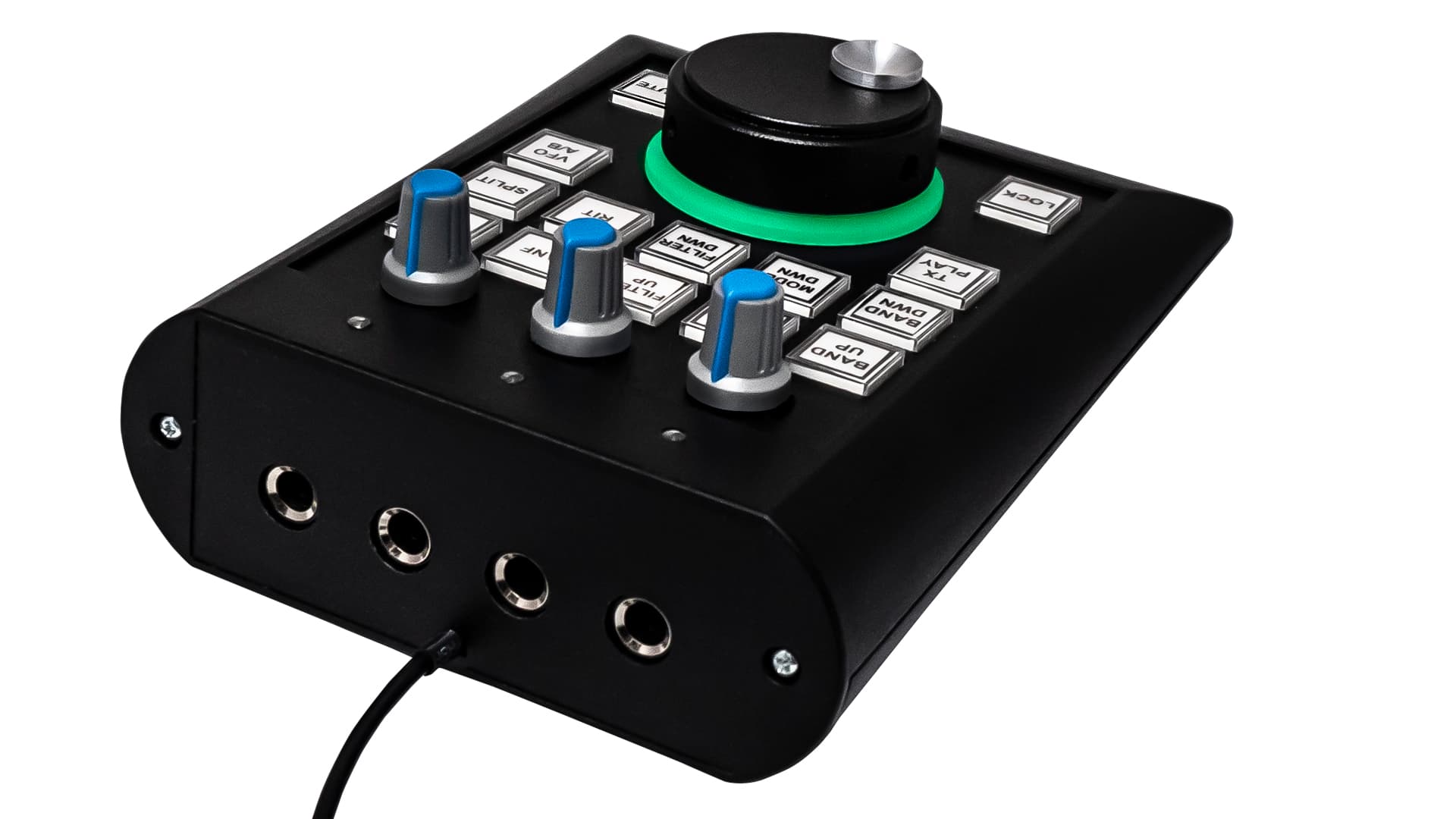
E-Coder2 is a new generation control panel with a built-in 24-bit audio codec with a dynamic range of 114 dB (CS4272).
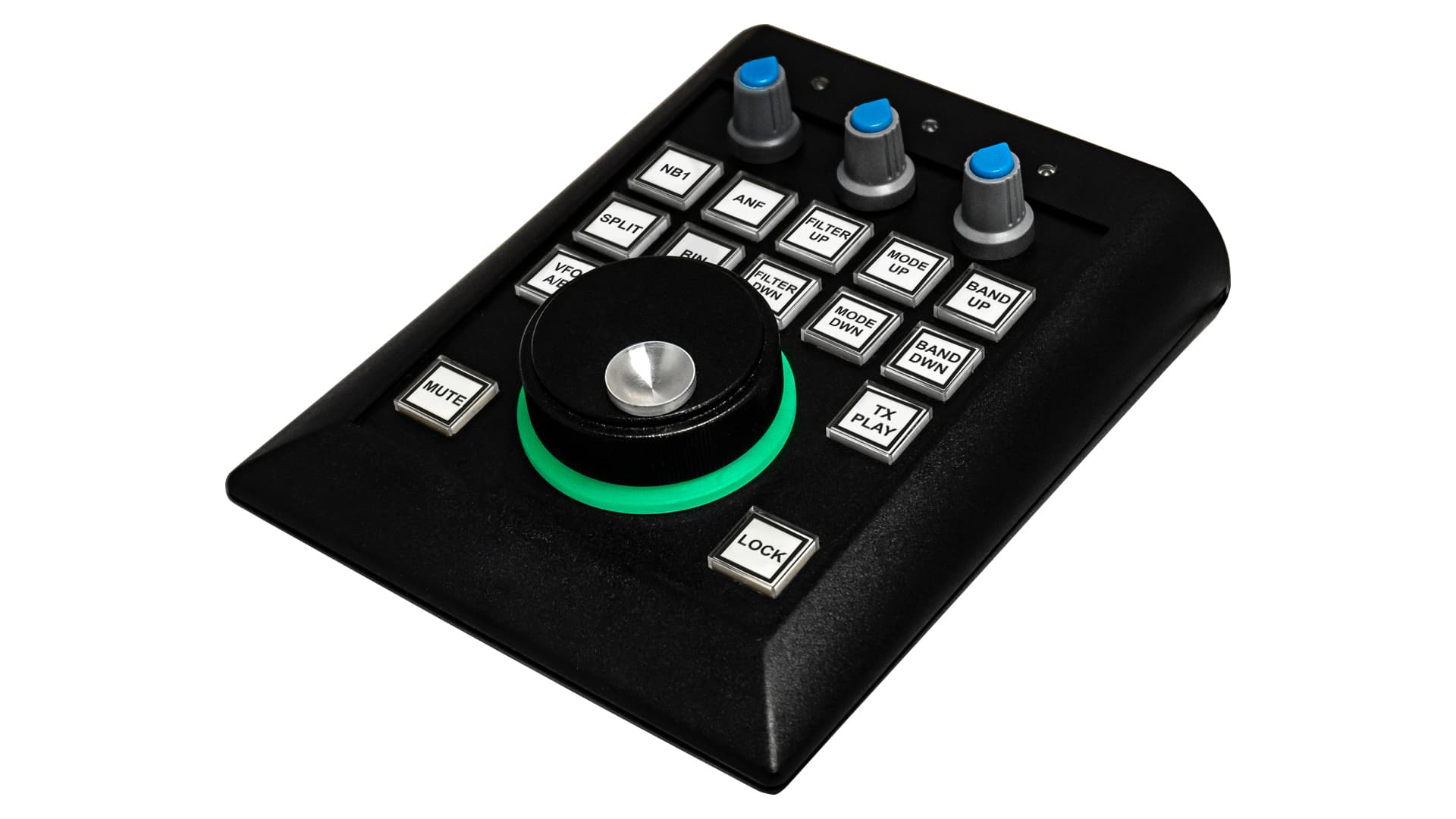
The E-Coder2 is a next-generation control panel with a built-in 24-bit audio codec with a dynamic range of 114 dB (CS4272). When operating in receive mode, the ExpertSDR2/3 sends the same audio stream to both the transceiver and the E-Coder2. This allows you to listen directly to the broadcast from both the transceiver and the E-Coder2 panel, with virtually no latency. The E-Coder2 panel also features a dedicated CW core to minimize side-check latency during transmit. Now you can operate your transceiver remotely, without latency—a new reality! The E-Coder2 is especially useful for those who use a remote control system or are located some distance from the transceiver during operation.
The USB port must provide a voltage of 5 V and a current of at least 0.5 A.
On the rear panel of the E-Coder2, you'll find four 6.3mm stereo jacks: headphones, microphone, CW key, and PTT pedal. The panel features a main encoder with 1024 PPR resolution, 14 programmable buttons with 72 function templates, and three programmable rotary encoders with a push function. The panel connects via USB and supports popular operating systems such as macOS, Windows, and Linux.
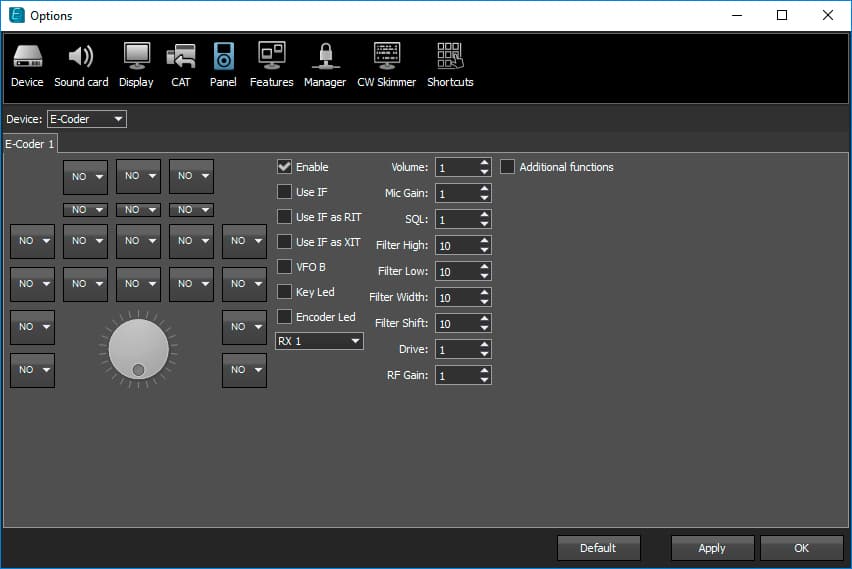
Description of the E-Coder2 panel
In the menu, checkbox 1 enables or disables hardware panel support in the program. If this checkbox is checked, the panel immediately begins functioning after connecting. The window also allows you to select the functions of each panel button 3 and the buttons of the small encoders 4. Using objects 2, you can assign functions to the rotation of each mechanical encoder. To do this, click the corresponding object and select the desired function. You can also assign a function to the button of the main encoder by clicking object 5. You can also set the tuning step for the corresponding parameter of the mechanical encoder function in window 6. If this parameter is volume, then the number of divisions per encoder position is set in the Volume window (volume is adjustable from 0 to 100). If an intermediate frequency (IF function) is assigned to the encoder, then the tuning step in Hz per encoder position is set in the IF window. All other settings are made in a similar manner. Once the panel is connected, the KEY and PTT control jacks located on the rear panel also become accessible. A footswitch and a telegraph key can also be connected to them.