

What’s new
ExpertSDR3 1.3.2 released
More stable operation on the air, easier control and recording: what’s new in ExpertSDR3 1.3.2.
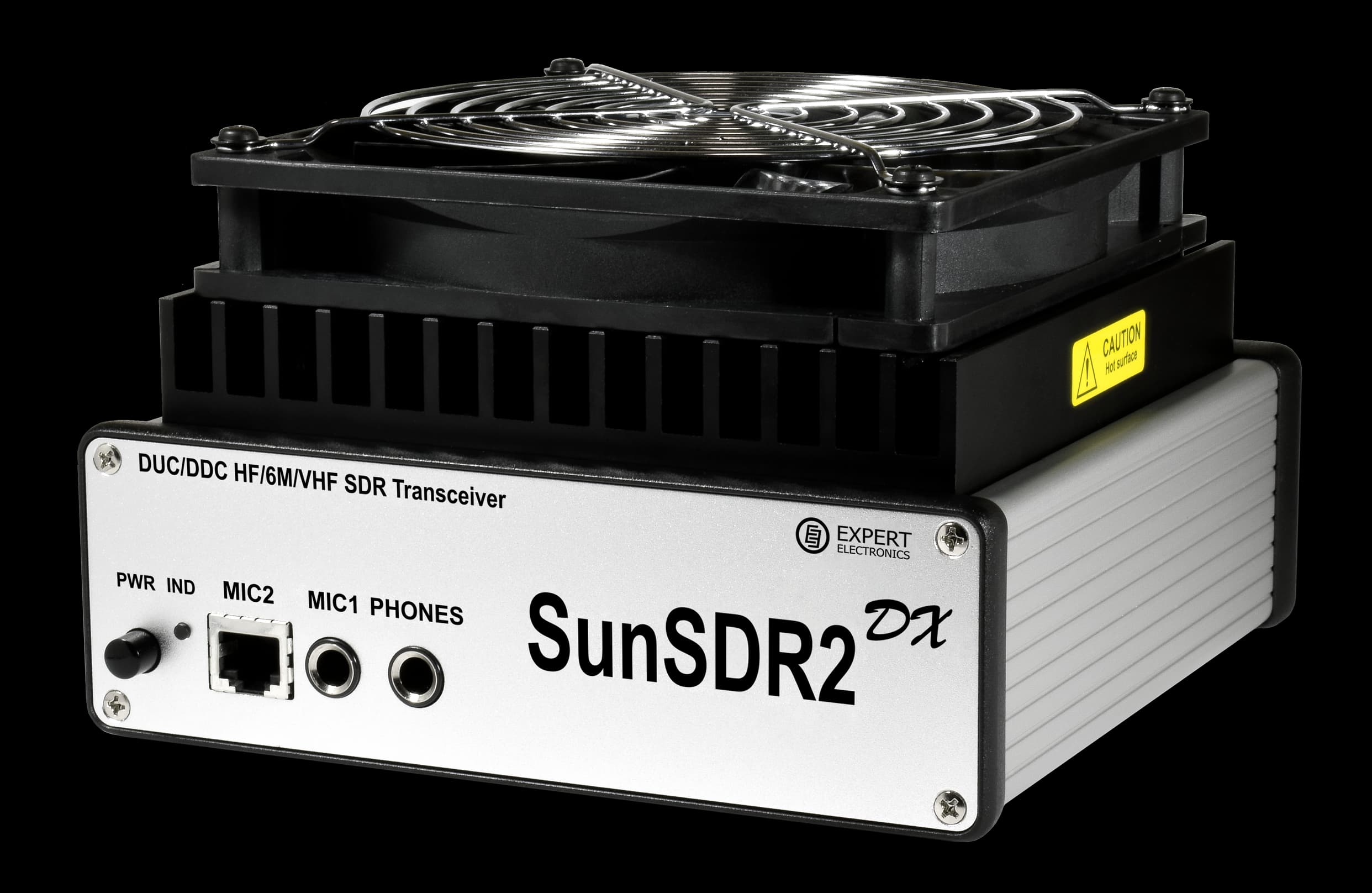
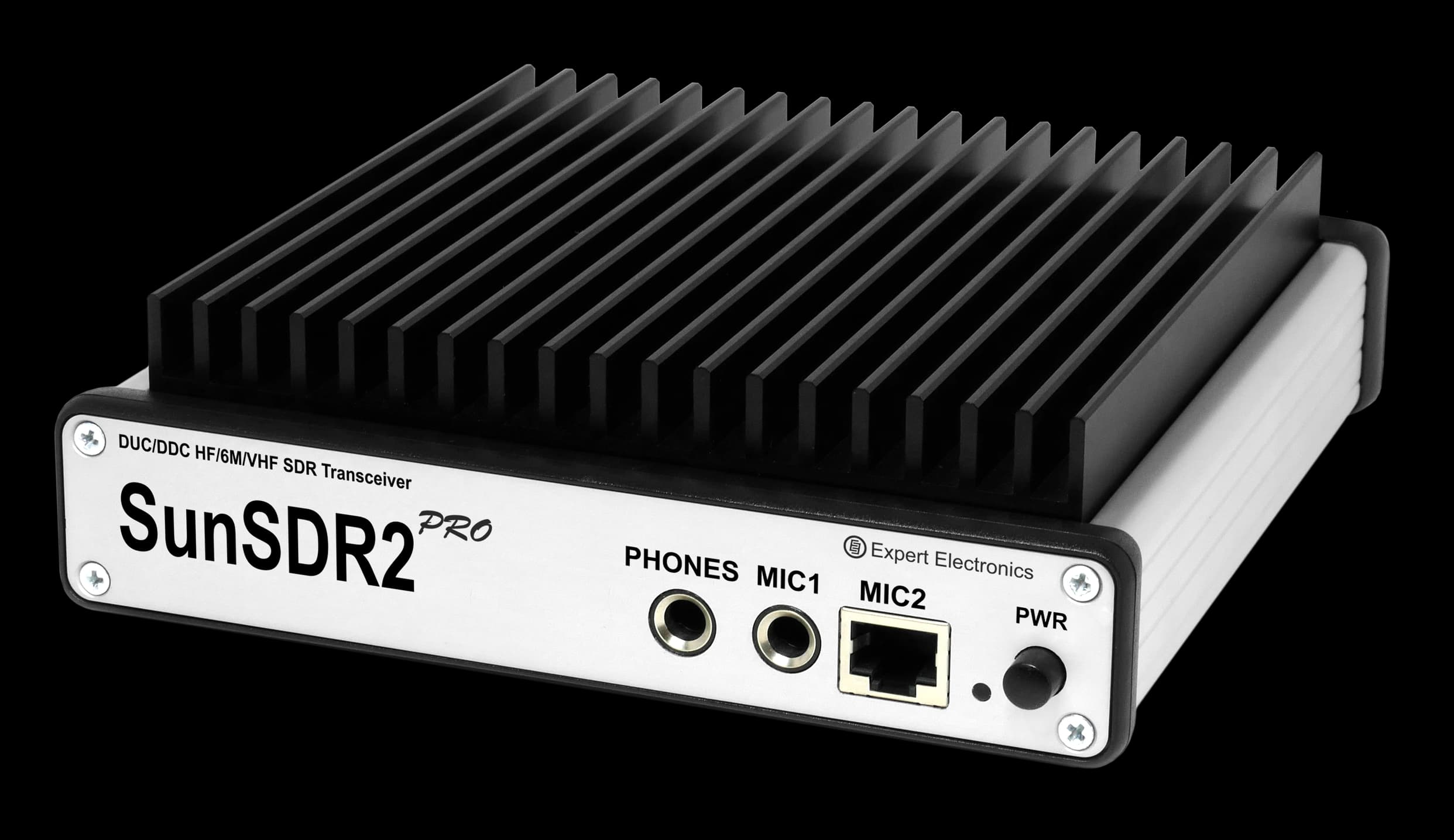
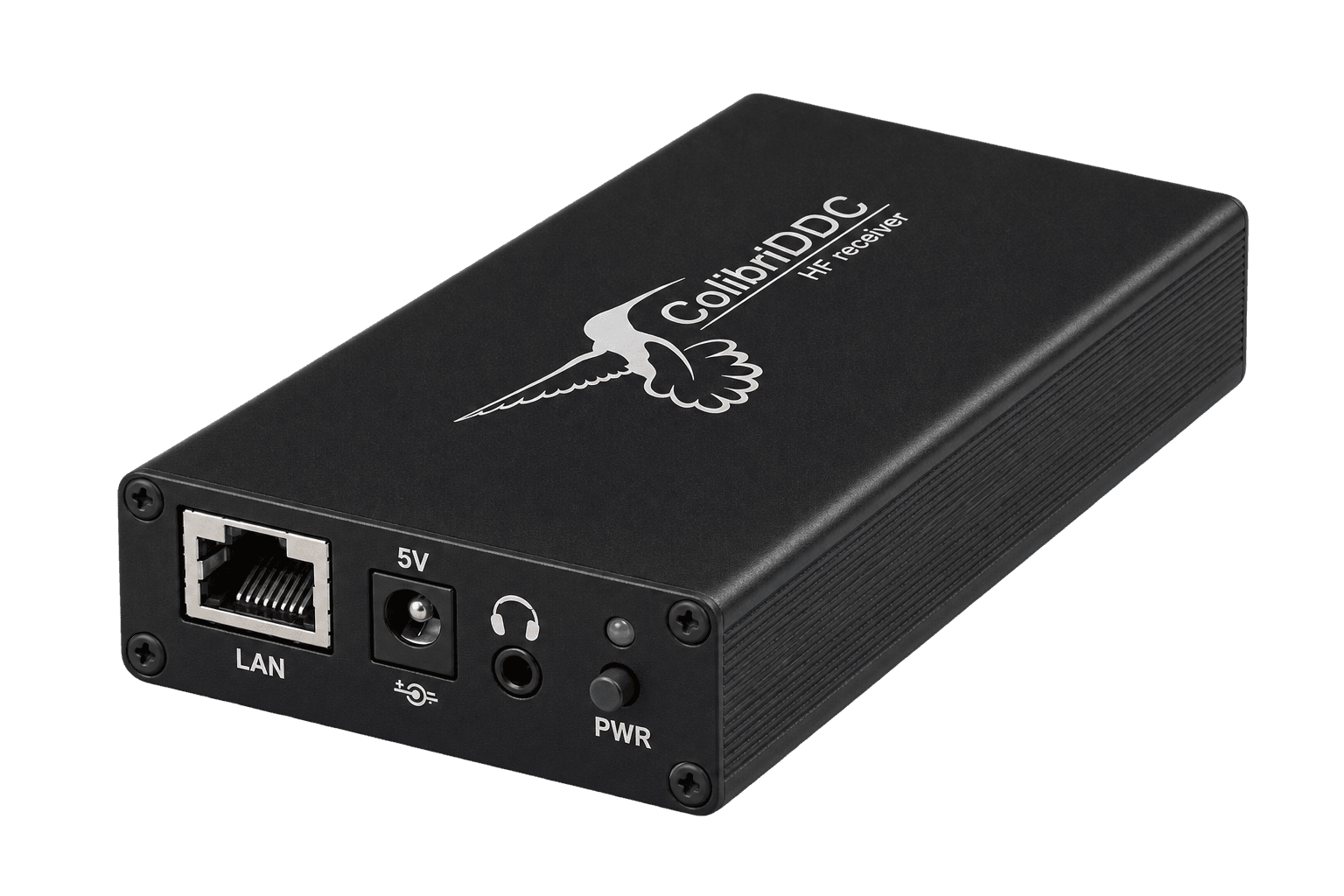
A new-generation program for all our transceivers and receivers. Free, and so are the updates.
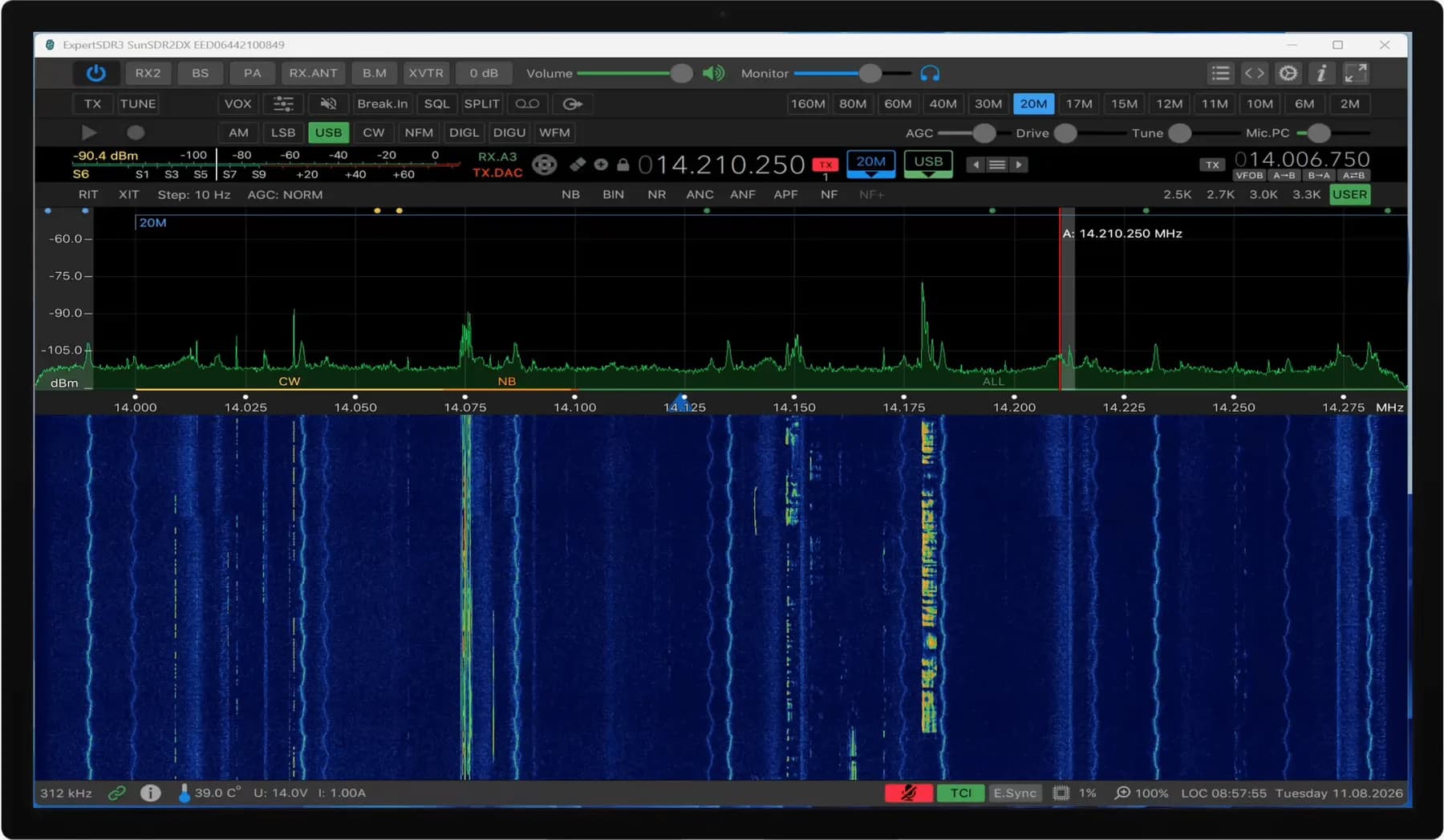
ExpertSDR3 is tested on current Windows 11, Ubuntu 24.04 and macOS 15 on Apple silicon.
Windows
Windows 10 (1809 or later) and Windows 11, x86_64
Linux
Ubuntu 22.04 x86_64; Ubuntu 24.04 x86_64 and ARM64
macOS
macOS 13 or later: x86_64 and Apple silicon
Raspberry Pi 5
Raspberry Pi OS 64-bit, AppImage — build in development
Expert Remote System controls a station remotely. ExpertSDR3 is part of it: the program the operator works in.
ExpertCloud
The cloud service: sign-in, device management and connecting the operator to the station.
ExpertStarter
The server part, running next to the SDR equipment at the remote station on the same network.
Operator interface
ExpertSDR3 for full operation, or the web interface in a browser.
Small Expert Electronics programs that run alongside ExpertSDR3.
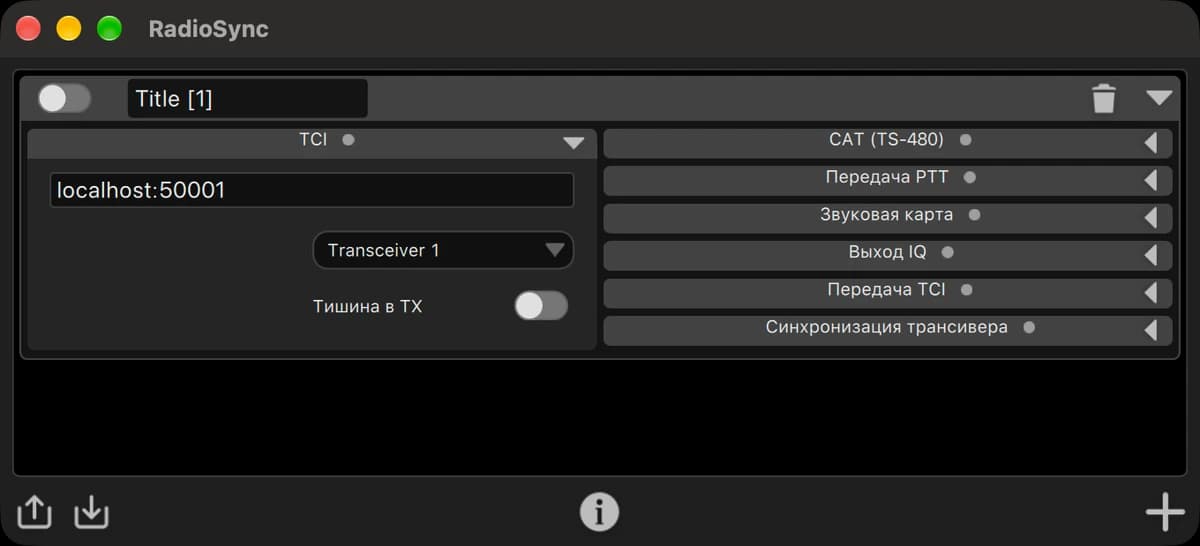
A bridge between ExpertSDR3 and programs without TCI: sync over CAT and VAC, and now OmniRig too.
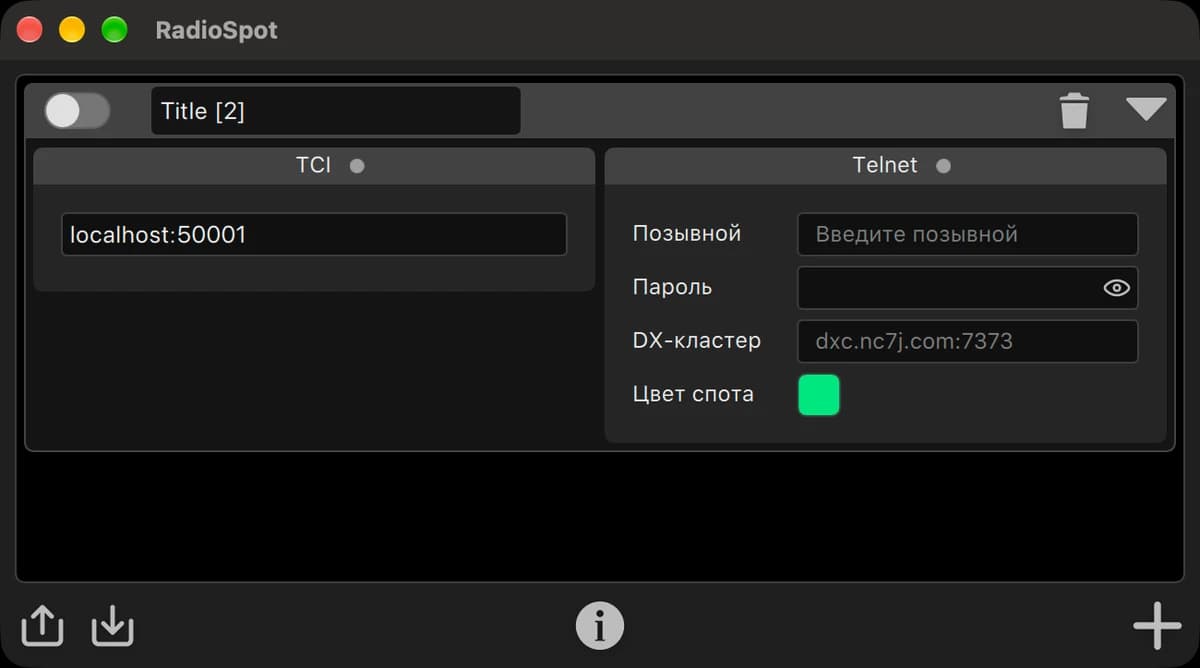
Connects to DX clusters and passes spots to ExpertSDR3 over TCI, so stations appear right on the panorama. Included with ExpertSDR3.
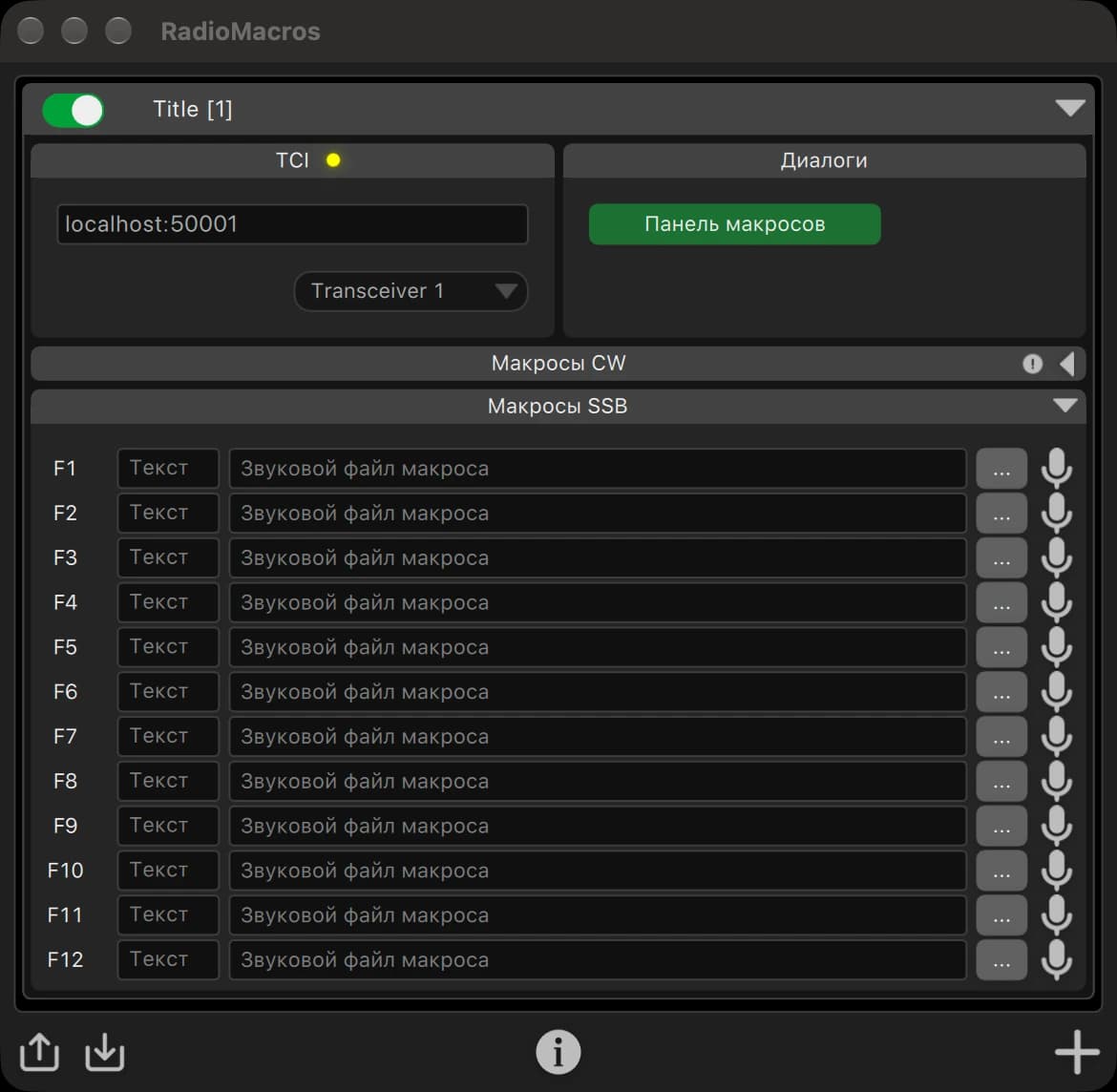
Audio and CW macros, sent to the air over TCI through ExpertSDR3.
TCI is Expert Electronics’ open transceiver control interface.Beyond CAT-style commands it carries IQ streams, CW macros and audio for digital modes, over a local network or the internet, to many programs at once.
Protocol on GitHubJTDX · MSHV
Log4OM · LogHX
TCISkimmer Lite
RF2K-S · BURST
TCI to Icom Tuner Interface · N4PY Control Software
What’s new
More stable operation on the air, easier control and recording: what’s new in ExpertSDR3 1.3.2.
User manual
Open user manual© 2026 Expert Group LLC